FinOps & Budget Alerts
Route: /cloud-portal/finops · Edition: Pro+ · Beta
FinOps lets you allocate cloud costs to teams and services, set monthly budget alerts, and track spend against targets.
Cost allocations
Map cloud spend to internal teams or services using tag-based rules. Once allocation rules are defined, the allocation table shows each team's monthly cloud bill.
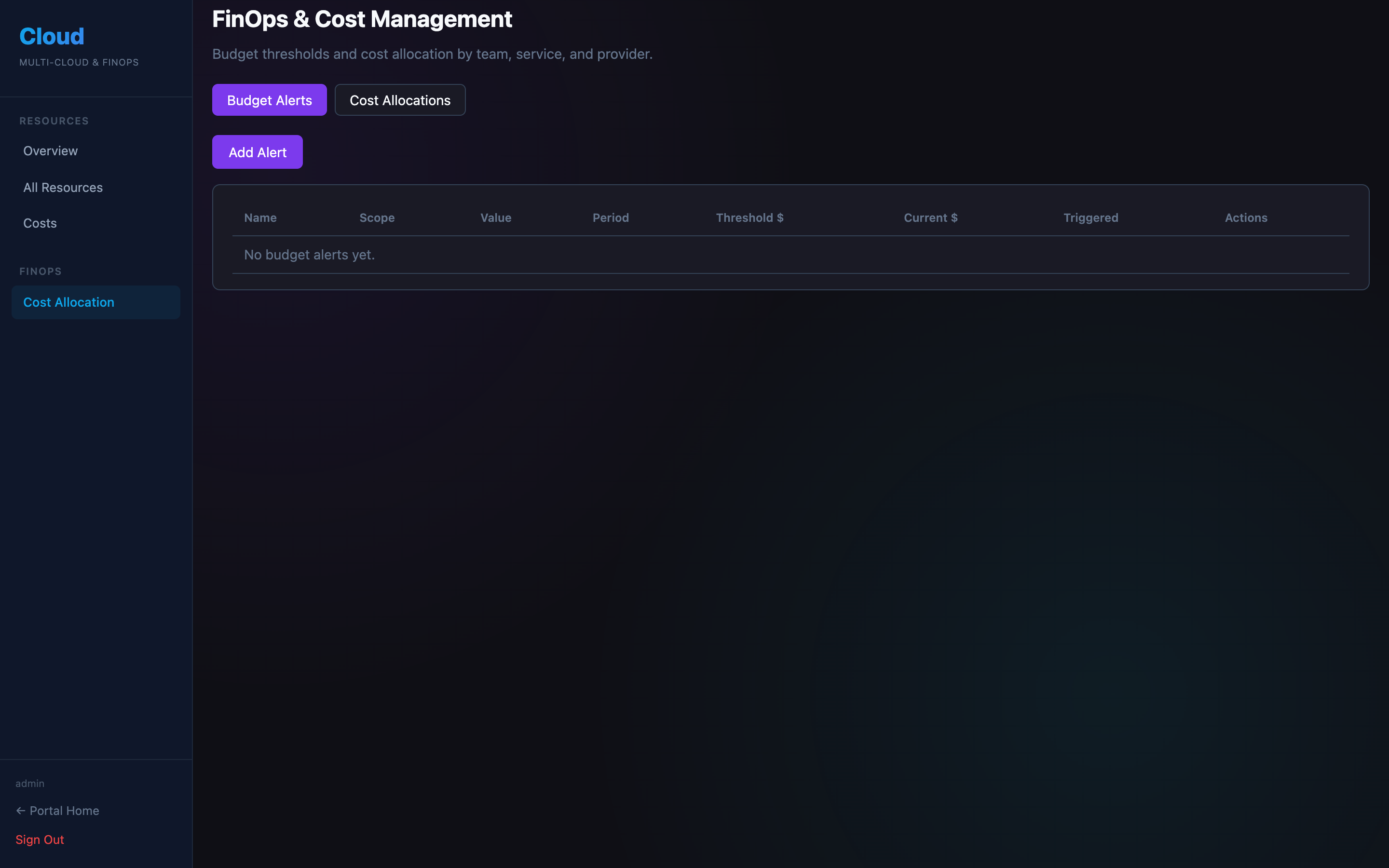
Budget alerts
Create a budget alert for a team or service with a monthly spend threshold. When the threshold is crossed, a notification is sent to the configured alert channels (Slack / email).
| Field | Description |
|---|---|
| Name | Alert label (e.g. "Platform team budget") |
| Team / Service | Who this budget applies to |
| Monthly limit | Spend threshold in USD |
| Alert channels | Where to send the alert |