Cloud Overview
Route: /cloud-portal · Edition: Pro+ · Beta
The Cloud Overview summarises your multi-cloud footprint — which providers are connected, total resource count, and a spend snapshot.
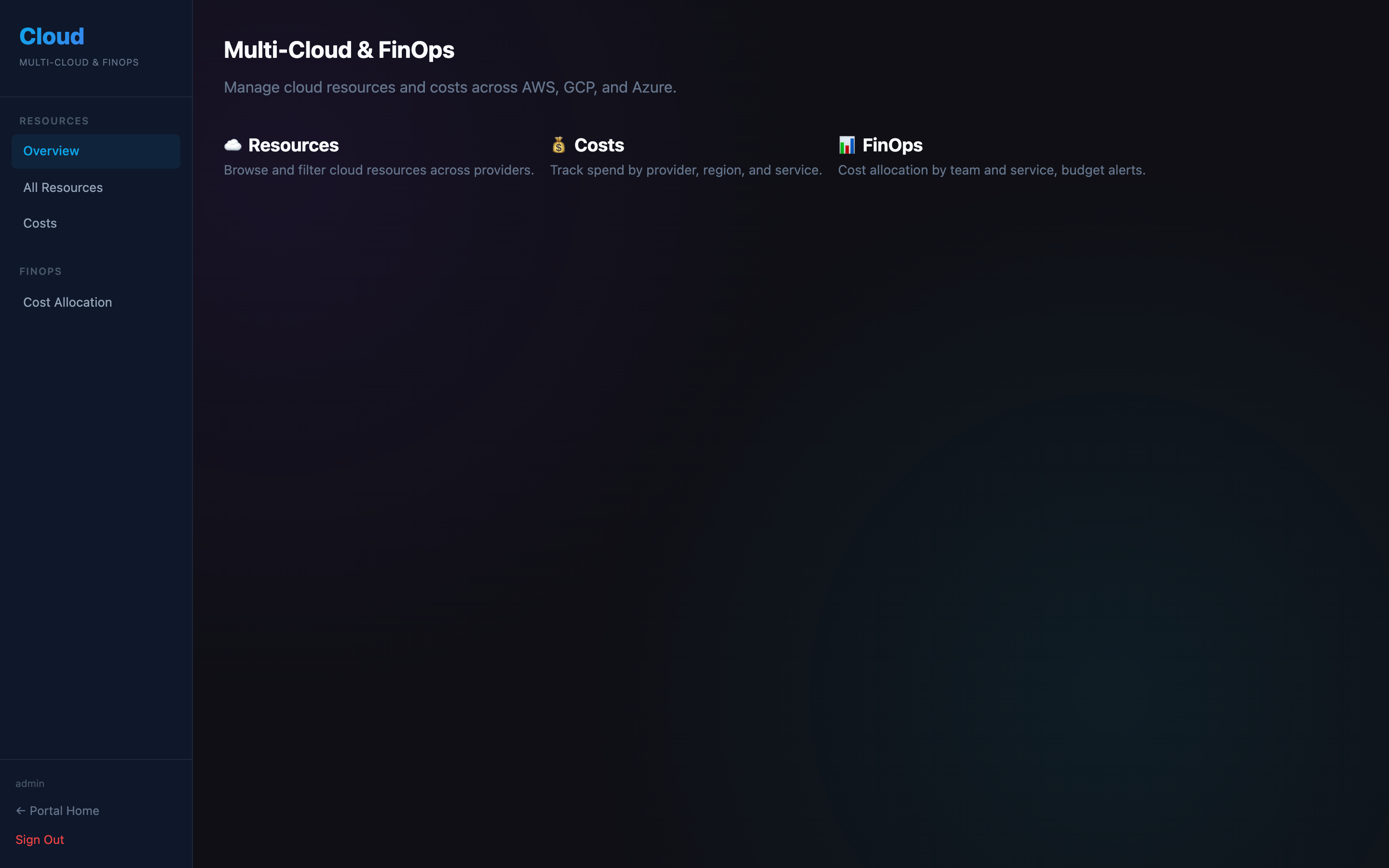
Provider status
Shows whether AWS, GCP, and Azure are connected. A green indicator means credentials are configured and the last sync succeeded.
Resource summary
Total resource count broken down by provider. Click a provider card to jump to the filtered Resources view.
Connecting a cloud provider
Go to Portal Config → Cloud Providers and enter credentials for each provider:
- AWS — Access Key ID + Secret + region
- GCP — Service account JSON key
- Azure — Tenant ID + Client ID + Client secret + Subscription ID
After saving, click Sync Now on the overview page to pull the initial resource inventory.