Vulnerabilities (CVE Dashboard)
Route: /security/vulnerabilities · Edition: Pro+ · Beta
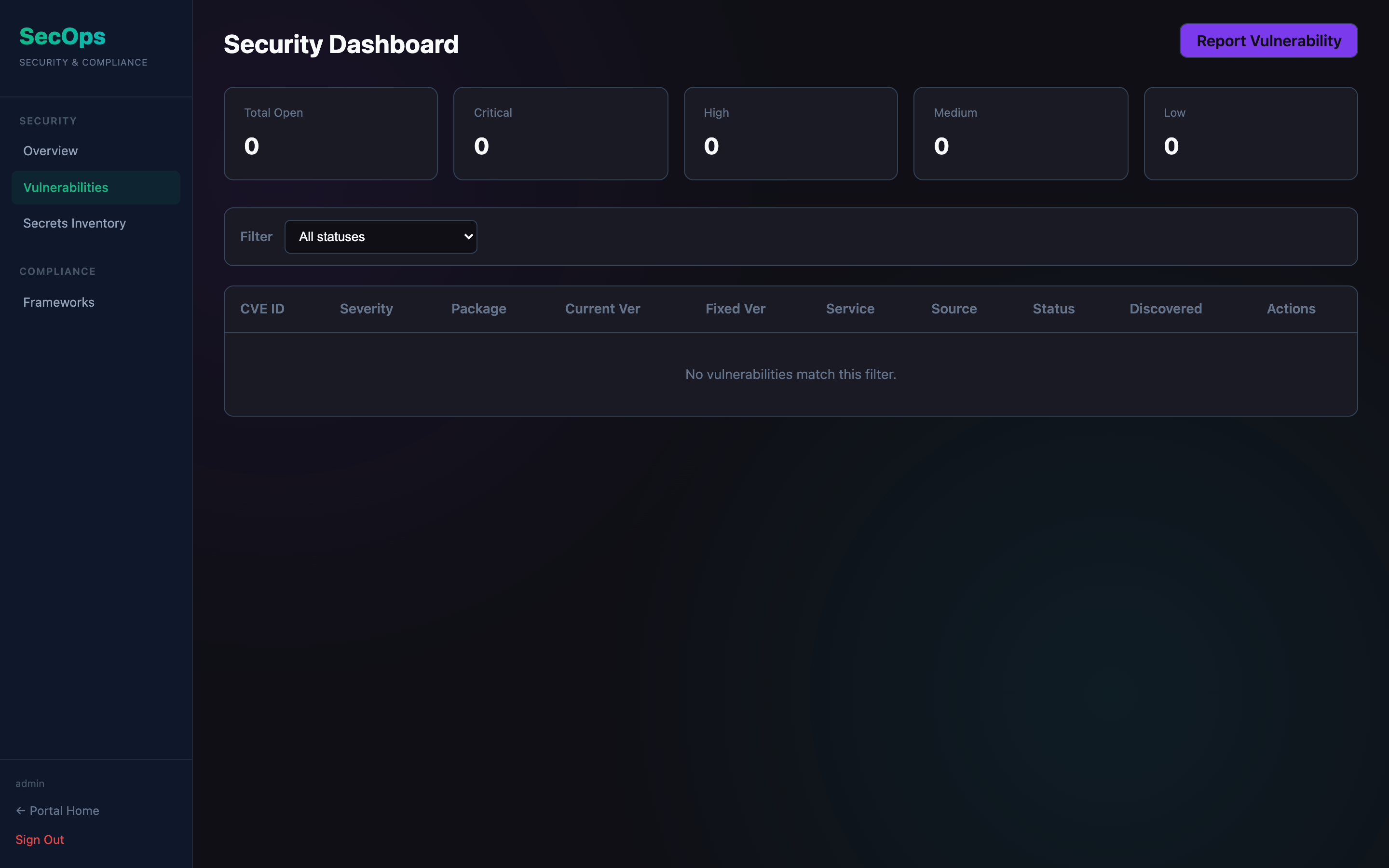
Track CVEs and dependency vulnerabilities across your services. Each vulnerability can be linked to a service, assigned a status, and prioritised by severity.
Vulnerability fields
| Field | Description |
|---|---|
| CVE ID | e.g. CVE-2024-12345 |
| Title | Short description |
| Severity | Critical / High / Medium / Low |
| CVSS Score | Numeric severity score (0–10) |
| Affected package | Library or dependency name + version |
| Affected service | Service from the catalog |
| Status | Open · In Progress · Mitigated · Accepted · Resolved |
| Due date | Target remediation date |
Status workflow
Move vulnerabilities through statuses as you remediate them:
- Open — newly discovered, not yet triaged
- In Progress — being worked on
- Mitigated — workaround applied, full fix pending
- Accepted — risk accepted, won't fix
- Resolved — patched and verified
Stats
The stats panel at the top shows CVE counts by severity and status, giving a quick remediation backlog view.