JIRA Tickets
Route: /tm/jira · Edition: Community+
The JIRA Tickets view pulls live ticket data from your connected JIRA instance and lets you import, link, or create tasks directly from JIRA issues — without leaving the platform.
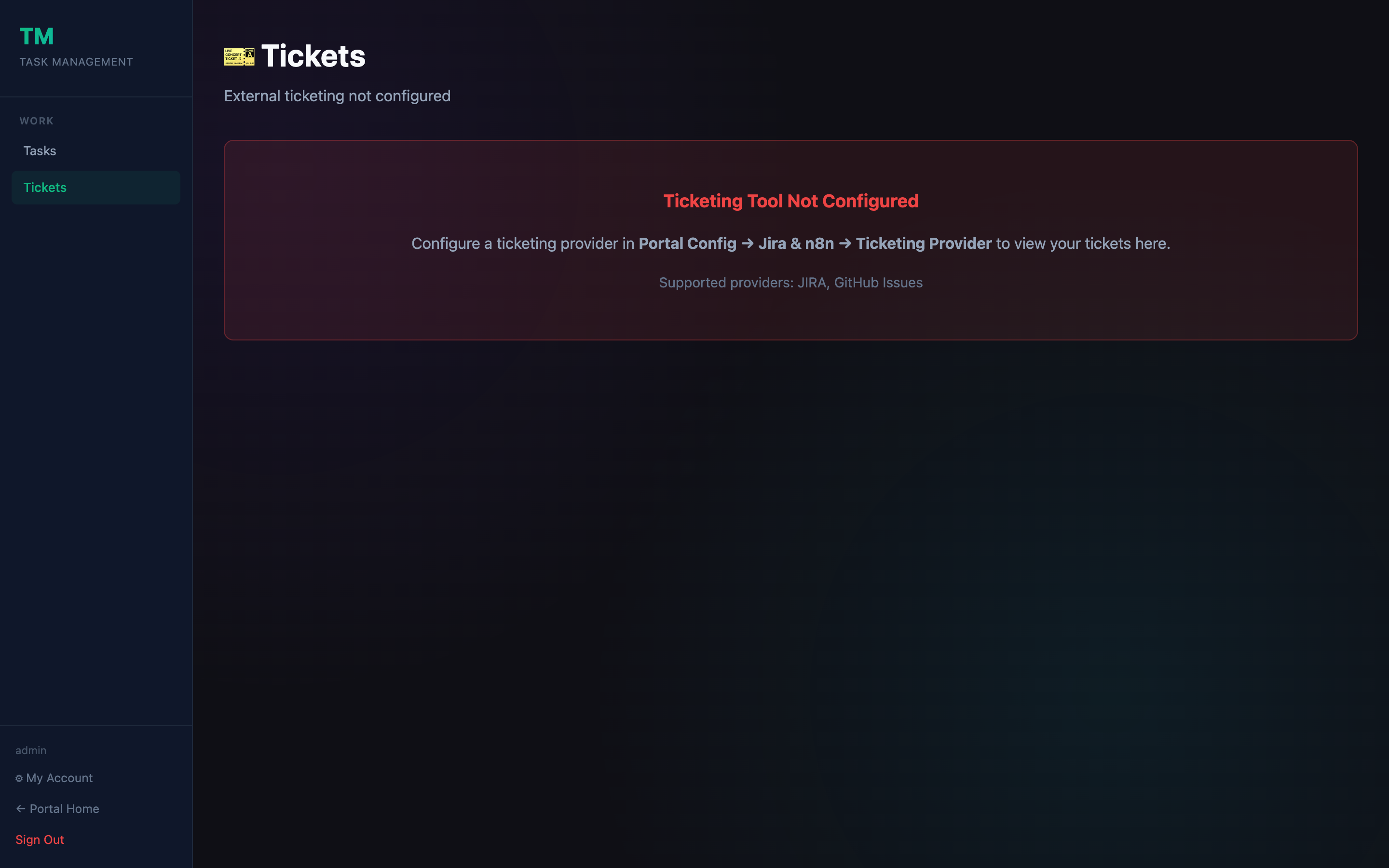
Prerequisites
Configure your JIRA connection under Portal Config → Integrations → JIRA before this view becomes active. You need:
- JIRA Cloud URL (e.g.
https://your-company.atlassian.net) - User email with API token access
- At least one JIRA project mapped
What you can do
| Action | Description |
|---|---|
| Browse tickets | See open issues from your mapped JIRA projects |
| Import ticket | Pull a JIRA issue into the Task Board as a local task |
| Link ticket | Attach an existing local task to a JIRA issue key |
| Create ticket | Push a new issue to JIRA from inside the platform |
| Filter by board | Switch between JIRA project boards |
| Trigger daily check | Re-run the JIRA sync on demand |
Sync behaviour
The platform checks JIRA on a configurable schedule (default: daily). Synced tasks show a JIRA badge with the issue key. Status changes in JIRA are reflected on the next sync cycle.