Dependency Graph
Route: /dependency-graph · Edition: Community+
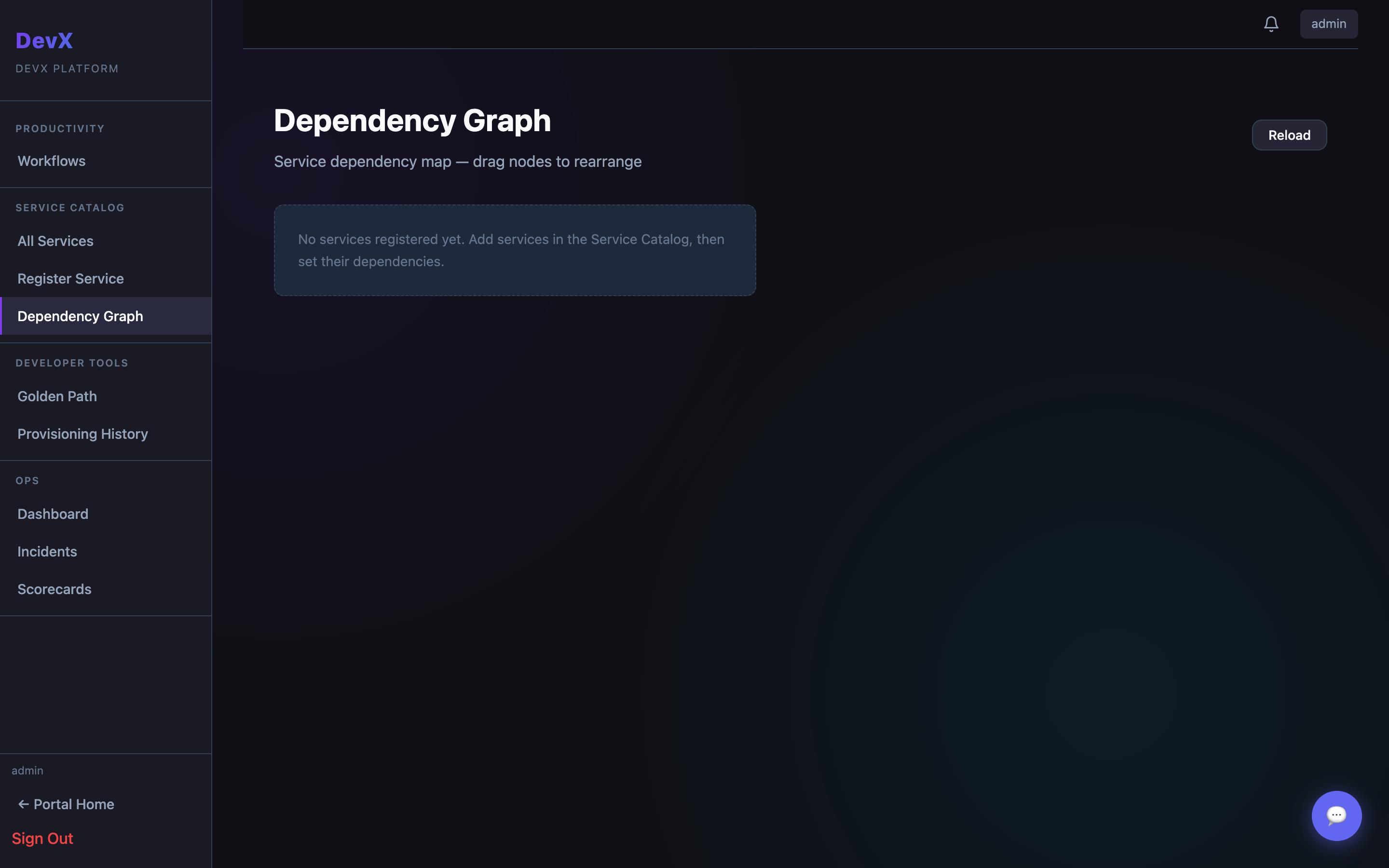
The Dependency Graph renders all services from the catalog as an interactive node graph, with edges showing upstream and downstream dependencies. It's the fastest way to understand blast radius during an incident.
How to use
- Pan — click and drag on the canvas
- Zoom — scroll wheel or pinch
- Select service — click a node to highlight it and its direct dependencies
- Open service — double-click a node to navigate to the service detail page
Node colours
Nodes are colour-coded by scorecard health grade:
- 🟢 Green — A/B grade
- 🟡 Yellow — C grade
- 🔴 Red — D/F grade
- ⚪ Grey — not yet scored
Populating the graph
Dependencies are set per-service in the Service Detail → Dependencies tab. Select upstream services (things this service calls) and the graph updates automatically.