Golden Path (Self-Service Provisioning)
Route: /golden-path · Edition: Community+
Golden Path lets platform teams define reusable service templates, and lets developers provision new services from those templates in a few clicks — without needing to know the underlying infrastructure details.
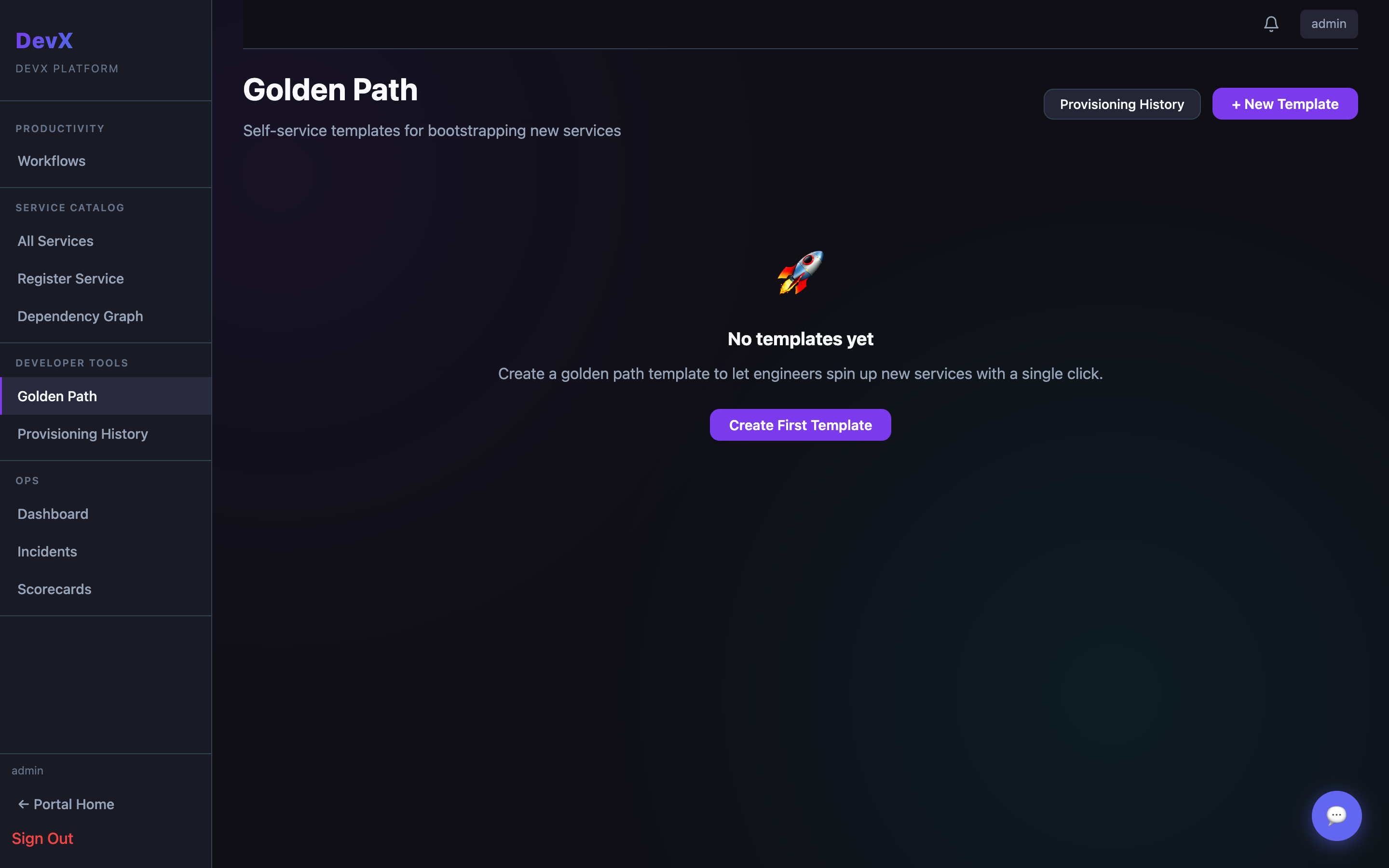
Templates
Templates define what gets created when a developer requests a new service. Each template includes:
| Field | Description |
|---|---|
| Name | Template display name (e.g. "Go Microservice") |
| Description | What kind of service it creates |
| Variables | Input fields the developer fills in (name, team, region, etc.) |
| n8n workflow ID | The automation workflow that handles the actual provisioning |
Templates are created and managed by platform admins. Developers only see the provision form.
Provisioning a service
- Browse the template list and click a template
- Fill in the requested variables (service name, team, etc.)
- Click Provision — this triggers the linked n8n workflow
- You're taken to the Provisioning Status page which polls for completion
Provisioning history
The History tab shows all past provisioning requests with status, template used, and timestamp — useful for audits and debugging failed provisioning runs.