Scorecards
Route: /scorecards · Edition: Community+
Scorecards automatically evaluate every service in the catalog against a set of engineering standards — documentation, SLOs, on-call coverage, security, and more — and produce a letter grade (A–F).
How scoring works
Each scorecard rule checks a specific attribute of a service:
- Does the service have a runbook?
- Are SLOs defined?
- Is the service assigned to a team?
- Does the service have a repository URL?
- Are environments configured?
Each rule carries a weight. The final score is a weighted average, mapped to a letter grade.
Leaderboard
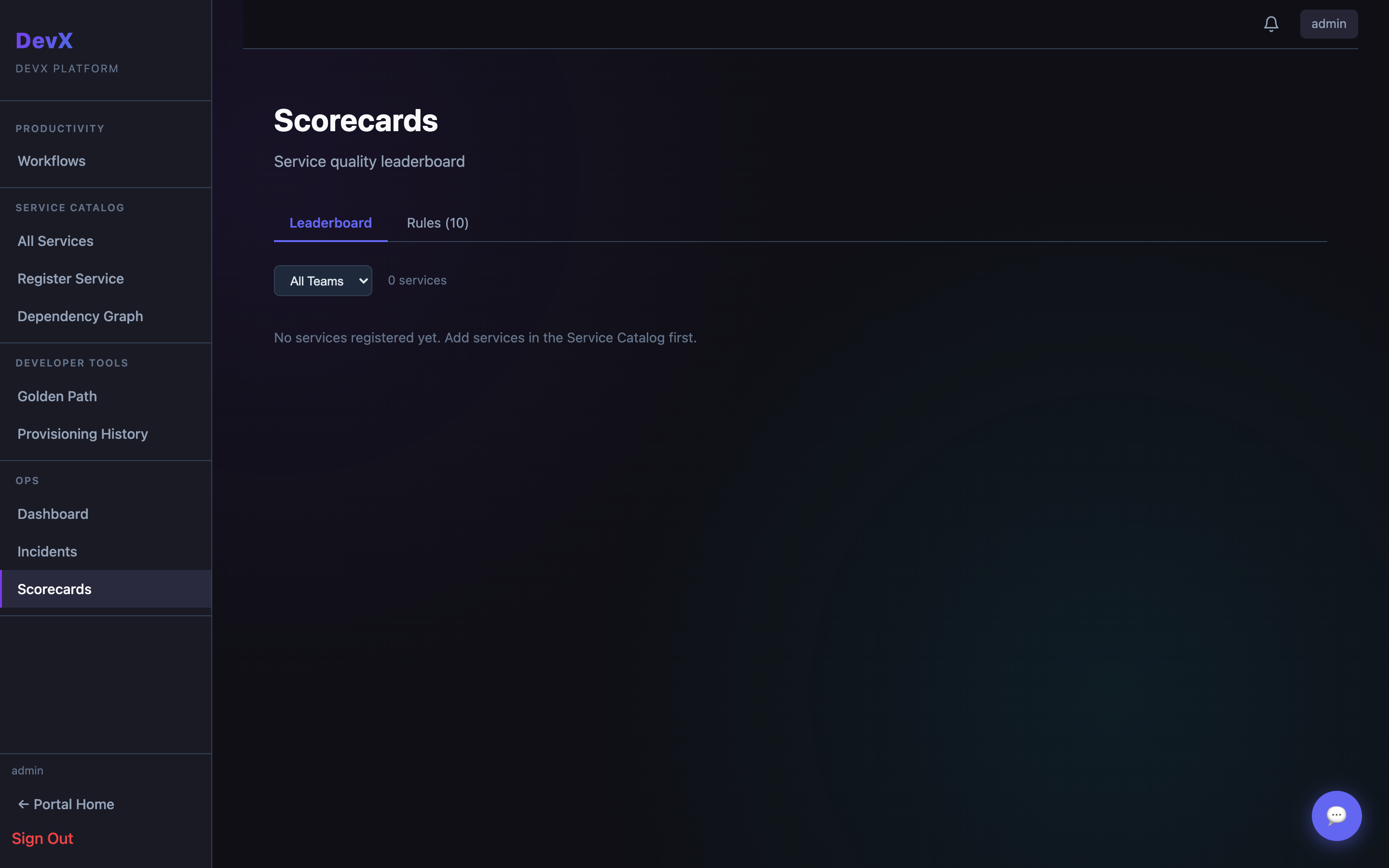
The scorecards page shows a ranked list of all services, sorted by score. This encourages teams to keep their service metadata complete and up-to-date.
Service scorecard detail
Click any service to see its individual rule breakdown — which rules pass, which fail, and what the specific gap is. Use this to prioritise improvements.
Rules management
Admins can view and customise the built-in rules under Portal Config → Scorecard Rules. New rules can be added with custom weights.