Maintenance Windows
Route: /drm/maintenance · Edition: Community+
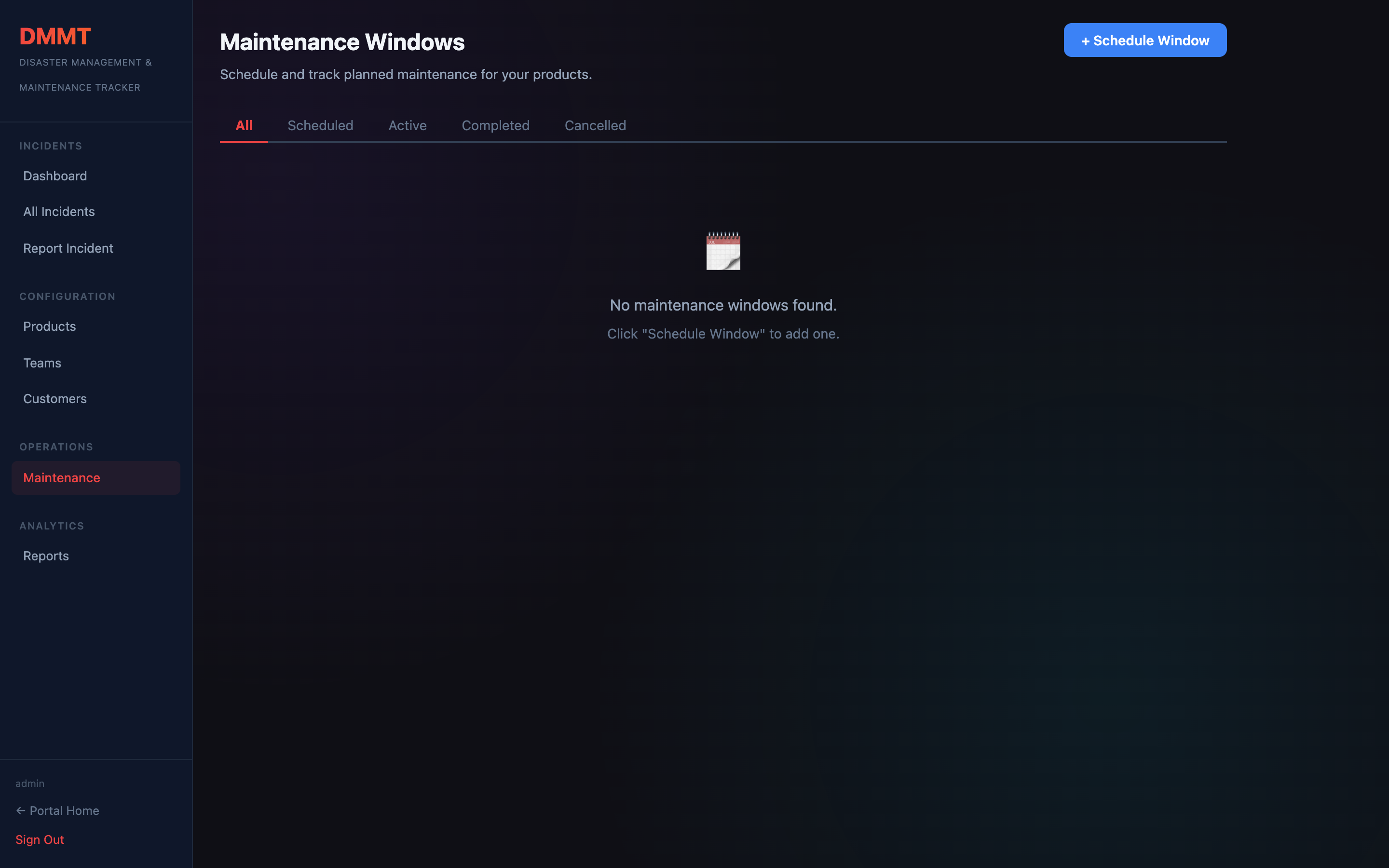
Maintenance windows let you schedule planned downtime, notify affected teams, and track the window through its lifecycle — Scheduled → Active → Completed or Cancelled.
Window fields
| Field | Description |
|---|---|
| Title | Short description of the maintenance activity |
| Description | Details of what is being done |
| Start time | Scheduled start (date + time) |
| End time | Scheduled end |
| Affected products | Products that will be degraded or offline |
| Affected customers | Customer segments to notify |
| Team | Responsible on-call team |
Lifecycle actions
| Action | When to use |
|---|---|
| Notify | Send email to the assigned team and customers before the window begins |
| Start | Mark the window as Active when work begins |
| Complete | Mark as done when maintenance is finished successfully |
| Cancel | Mark as cancelled if the window is aborted |
Upcoming view
The Upcoming filter shows only windows scheduled in the next 7 days, helping the on-call team prepare in advance.