Reports & AI Summaries
Route: /drm/reports · Edition: Community+ (AI generation requires OpenAI config)
The Reports section generates human-readable summaries of incidents over a selected time range. Summaries are written by an AI assistant and can be used as executive briefings, postmortem starters, or customer communications.
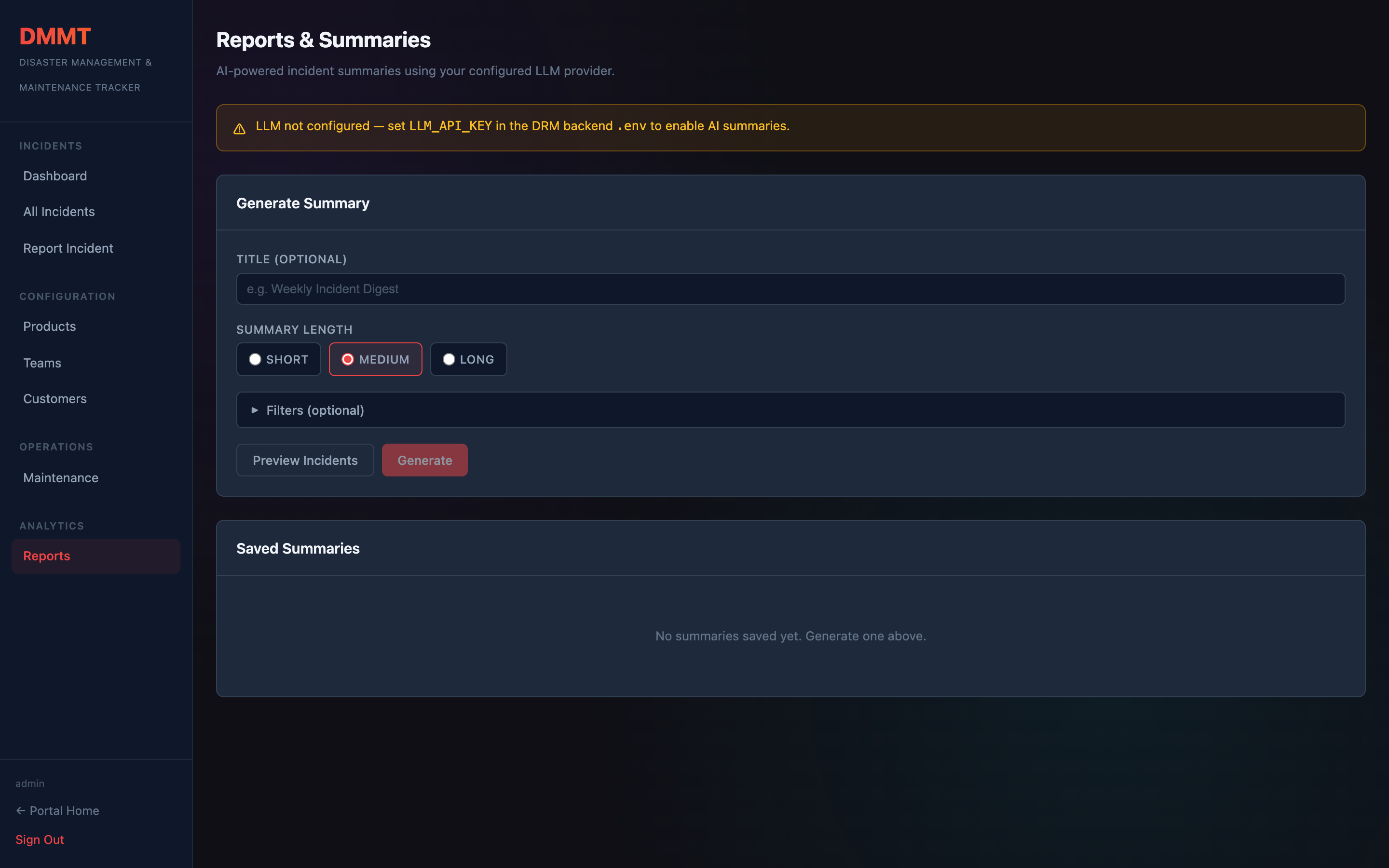
Generating a summary
- Select a date range (e.g. "last 7 days" or a custom range)
- Click Preview to see which incidents will be included
- Click Generate — the AI analyses all matched incidents and writes a structured report
- The report is saved and appears in the summaries list
Summary content
A generated summary typically includes:
- Total incident count by severity
- Top affected products
- Notable incidents with brief descriptions
- Common root causes and themes
- Recommended preventive actions
Configuration
AI summaries use the OpenAI connection configured under Portal Config → AI Settings. If no AI config is present, the Generate button is disabled and a prompt to configure it is shown.