CI/CD Pipelines
Route: /platform/pipelines · Edition: Pro+ · Beta
The Pipelines view gives a consolidated view of CI/CD pipeline runs across all services, with success/failure stats and per-run detail.
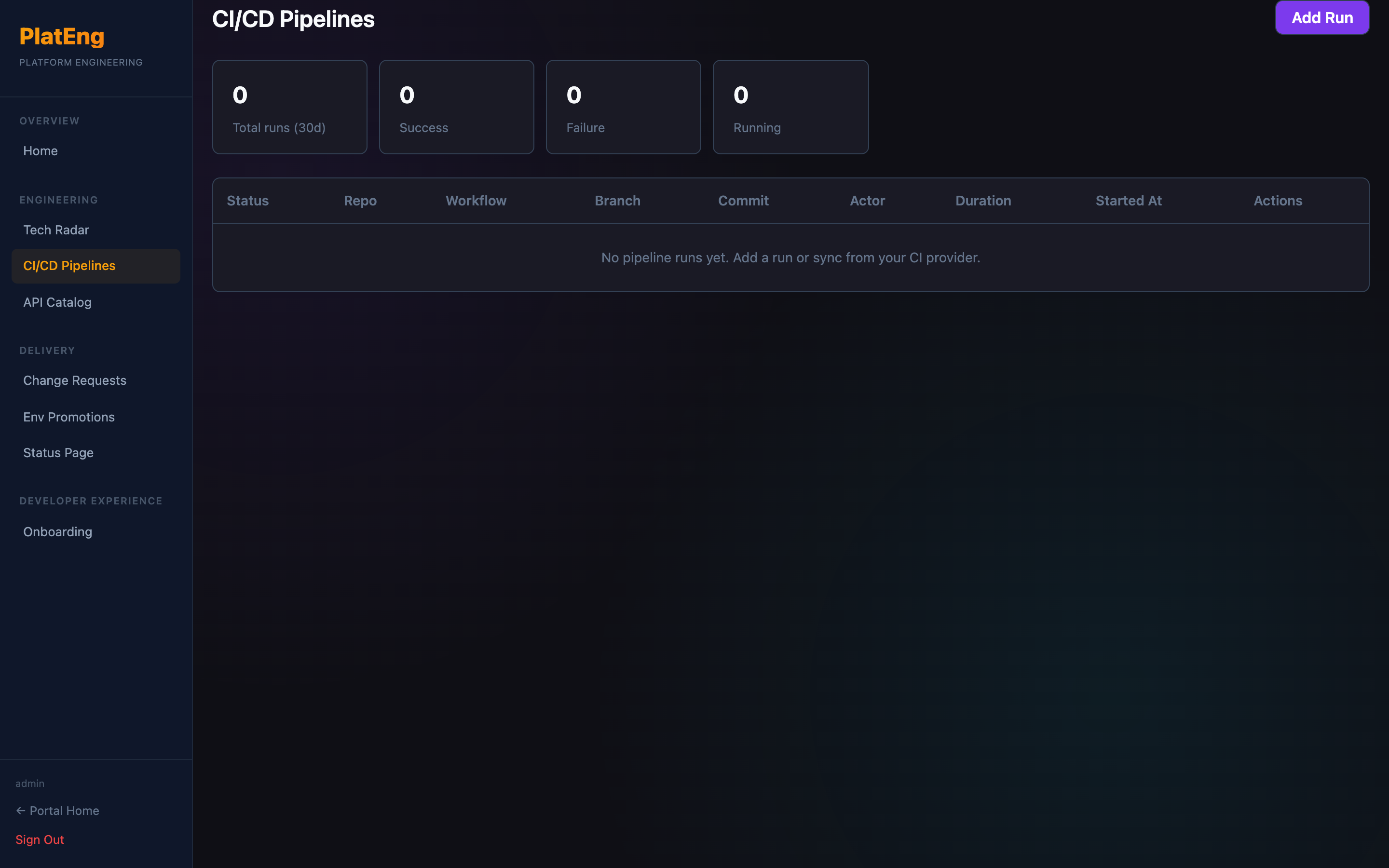
Pipeline run fields
| Field | Description |
|---|---|
| Service | The service this pipeline belongs to |
| Branch | Git branch that triggered the run |
| Status | Success / Failed / Running / Cancelled |
| Duration | How long the run took |
| Triggered at | Timestamp |
| Commit | Short SHA and message |
Stats
The stats panel shows:
- Total runs in the selected period
- Success rate
- Average duration
- Most frequently failing service
Adding a run (API)
Pipeline runs are typically posted by your CI system:
POST /api/pipelines
{
  "service": "payments-api",
  "branch": "main",
  "status": "success",
  "duration_seconds": 142,
  "commit_sha": "abc1234",
  "commit_message": "fix: handle nil pointer in charge handler"
}