Status Page
Route: /platform/status-page · Edition: Pro+ · Beta
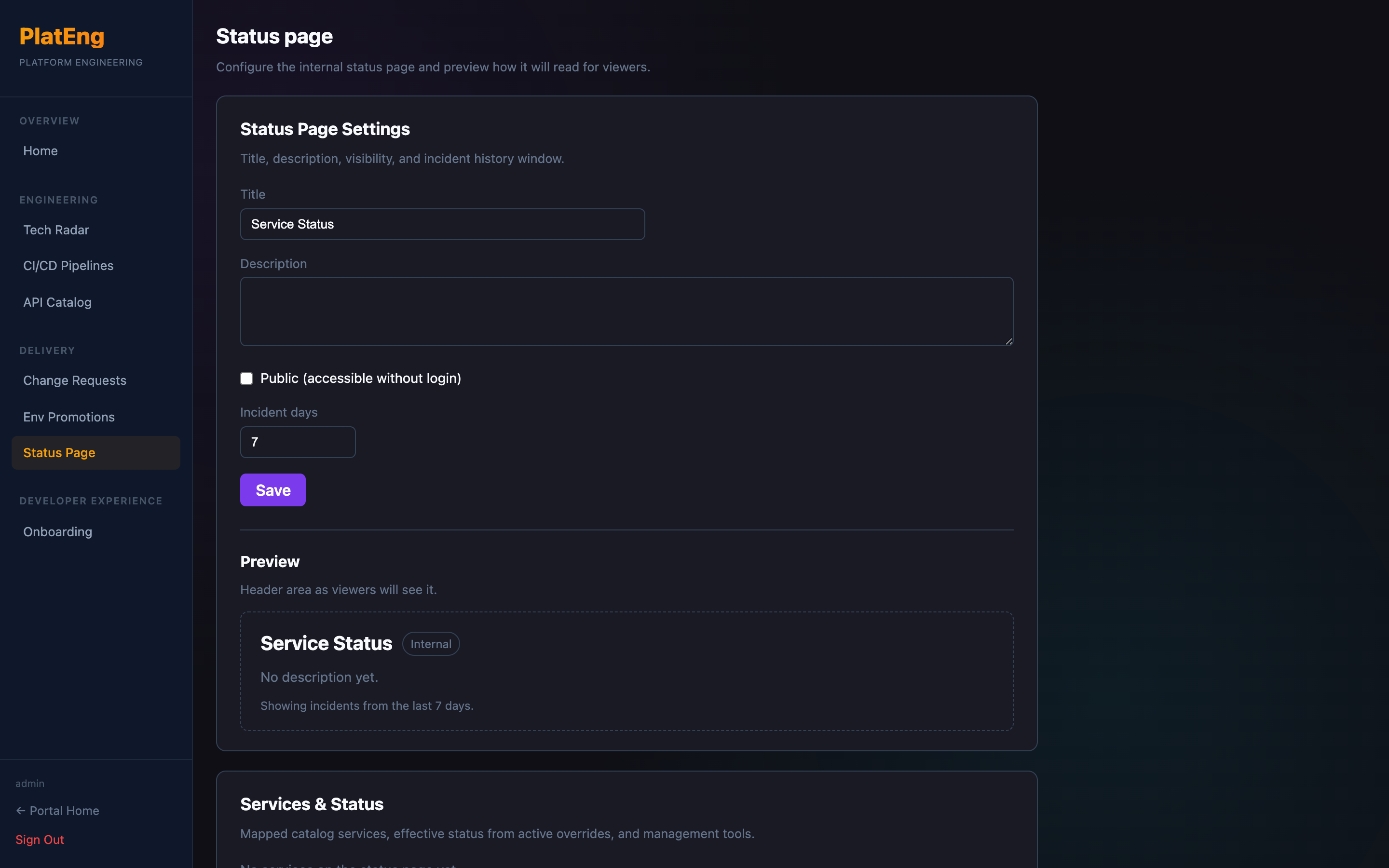
The Status Page tracks the operational status of your user-facing services and provides a public-facing view that customers or internal teams can check during incidents.
Service statuses
| Status | Meaning |
|---|---|
| Operational | All systems normal |
| Degraded Performance | Service working but slower than expected |
| Partial Outage | Some users affected |
| Major Outage | Service unavailable |
| Under Maintenance | Planned maintenance in progress |
Manual overrides
During an incident you can manually override a service's status. The override is timestamped and will show the reason. Clear the override once the incident is resolved to return to automatic status.
Configuration
Configure which services appear on the status page and their display names under the Status Page settings panel.