AI Chat (Runbook Assistant)
Route: /rb/chat · Edition: Pro+
The AI Chat lets you describe what you need in plain language and the assistant selects the most appropriate runbook and executes it — or walks you through the steps interactively.
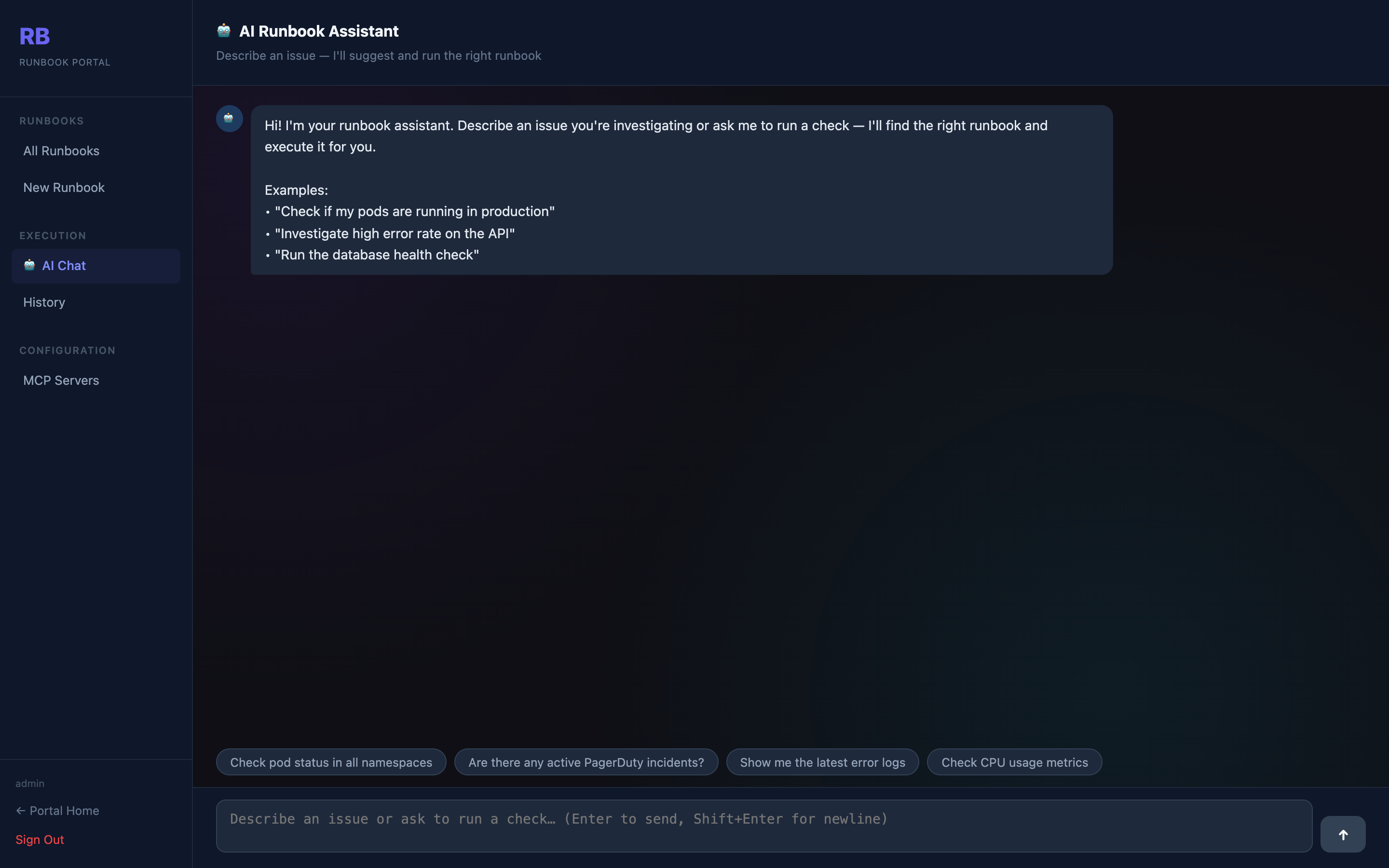
How it works
- Type your query (e.g. "check the health of the payments service")
- The assistant searches all runbooks by name, description, and tags using an LLM
- It shows the best matching runbook with a confidence explanation
- You can confirm execution or ask for a different runbook
Configuration
AI Chat uses the OpenAI connection from Portal Config → AI Settings. If no AI config is present, the Chat tab is disabled.
Session history
Each conversation is a session. Previous messages in the session are included in context so the assistant can refer back to earlier results when you ask follow-up questions.