MCP Servers
Route: /rb/mcp-servers · Edition: Pro+
MCP (Model Context Protocol) servers are HTTP tool servers that expose callable tools. Once registered, their tools are available as steps inside any runbook.
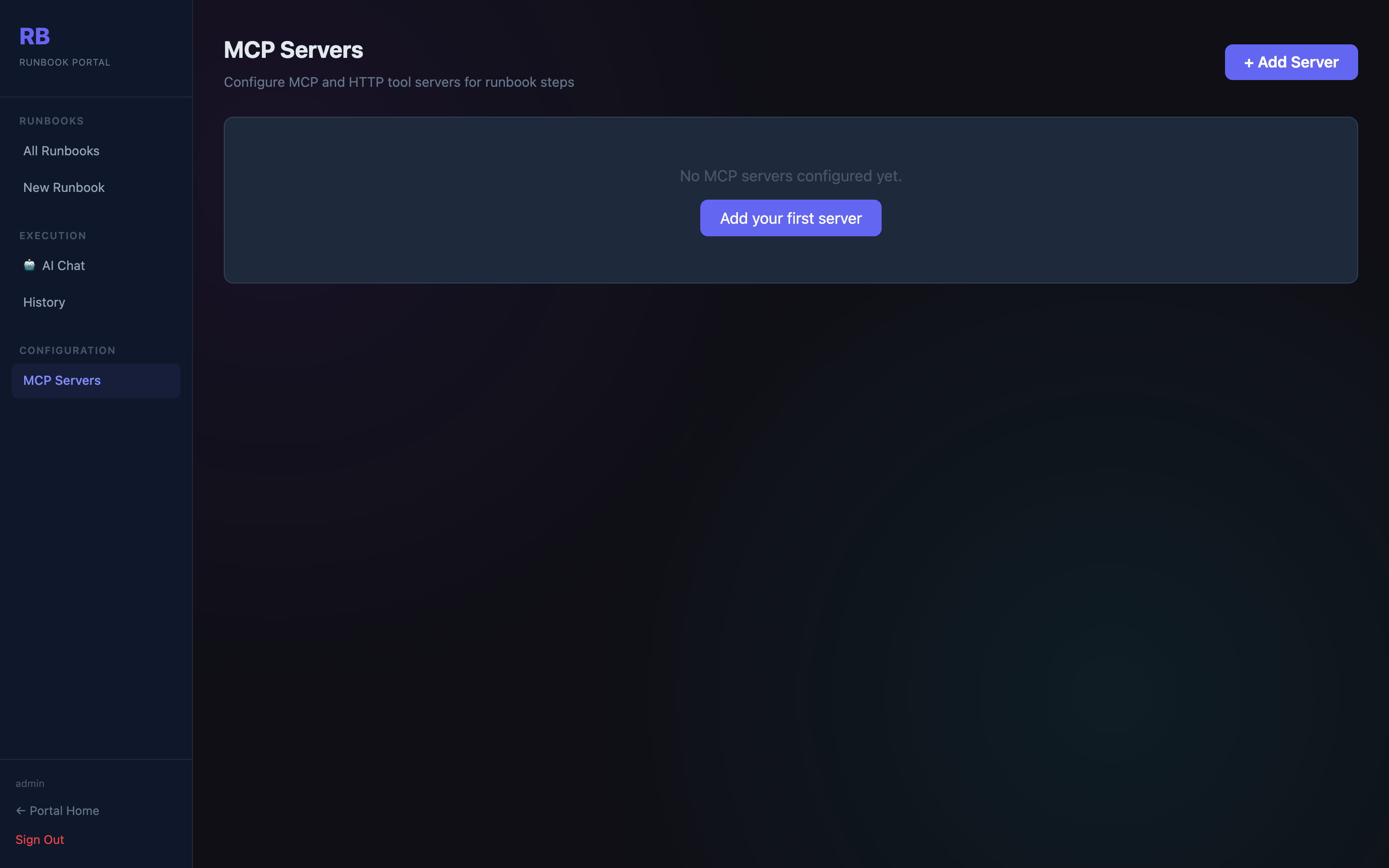
Adding an MCP server
Click + Add Server and provide:
| Field | Description |
|---|---|
| Name | Display name (e.g. "Internal Toolbox") |
| Description | What tools this server provides |
| URL | Base URL of the MCP server (e.g. http://mcp.internal:8000) |
| Auth type | None / API Key / Bearer token |
| Auth config | Key or token value for the selected auth type |
Testing the connection
Click Test on any server to send a health/list probe. The result shows whether the server is reachable and, if so, which tools it exposes.
Using MCP tools in runbooks
In the runbook builder, add an MCP step and select:
- The registered MCP server
- The tool name (from the server's tool list)
- The arguments (JSON object)
The step calls the tool and stores its response as the step output, available to subsequent steps via condition logic.