Execution History
Route: /rb/history · Edition: Pro+
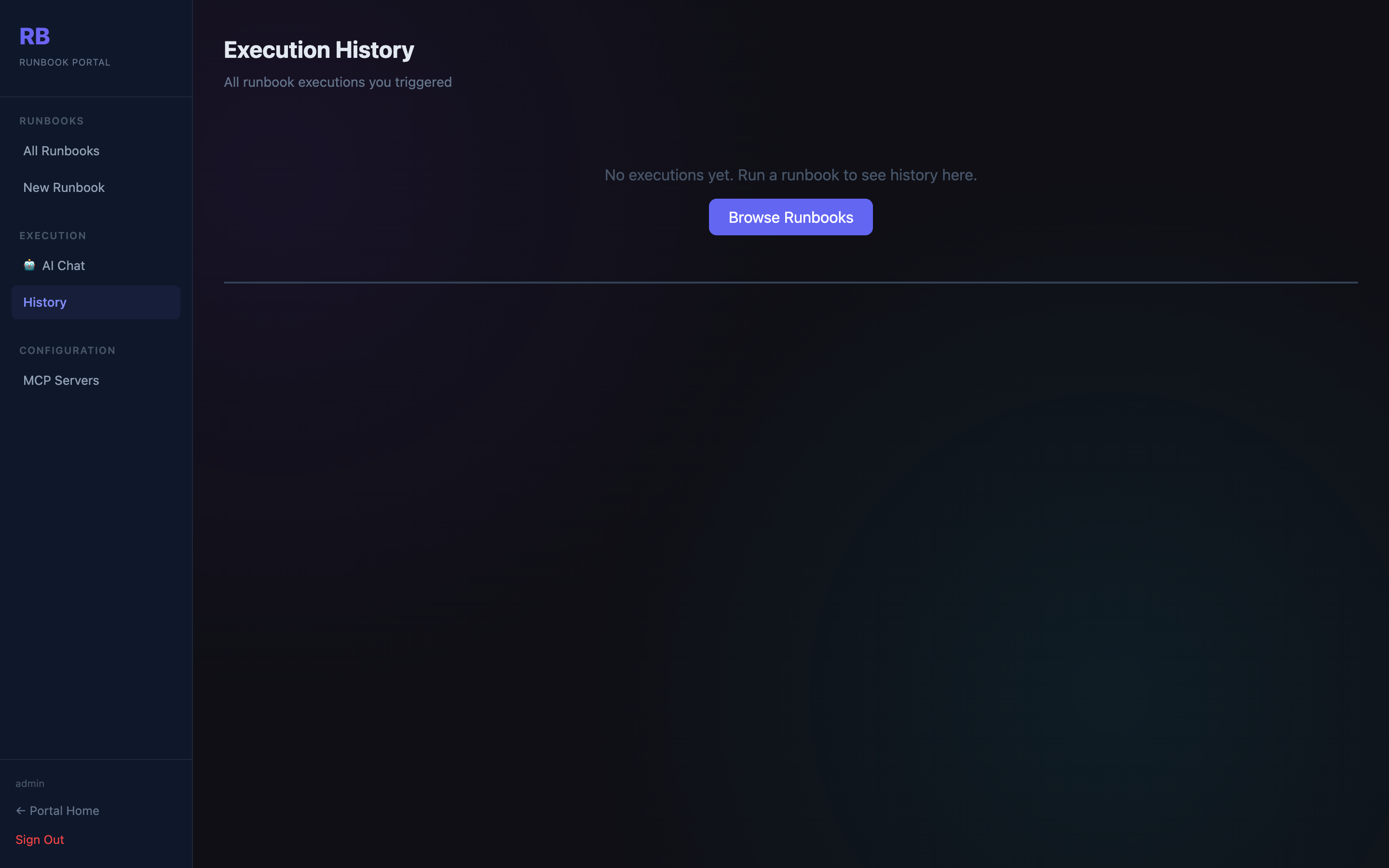
The history page shows every runbook execution — manual, chat-triggered, or webhook-triggered — with status, duration, and a link to the full step-by-step output.
Columns
| Column | Description |
|---|---|
| Runbook | Name of the runbook that was executed |
| Trigger | How it was started: Manual / Chat / Webhook / AI |
| Status | Running · Completed · Failed · Cancelled |
| Started | Timestamp of execution start |
| Duration | Time taken to complete or fail |
Execution detail
Clicking a row opens the execution detail view with:
- Per-step status (Pending → Running → Completed / Failed / Skipped)
- Step input and output (expandable JSON)
- Error message for any failed step
- Overall execution output summary
Running executions poll every 2 seconds and update in real time.